

Tinify

Figma plugin

Compress and convert images directly in Figma with the official Tinify Figma image optimization plugin. Compress and optimize JPG, PNG, WebP, AVIF, and APNG file sizes without visible quality loss, so your design exports stay sharp, lightweight, and ready for the web.

See real results: speed up your Figma workflow with faster exports, smoother design to development handoff, and optimized assets for web and mobile apps.

Download plugin


Why should I use Tinify?

Next-gen format conversion

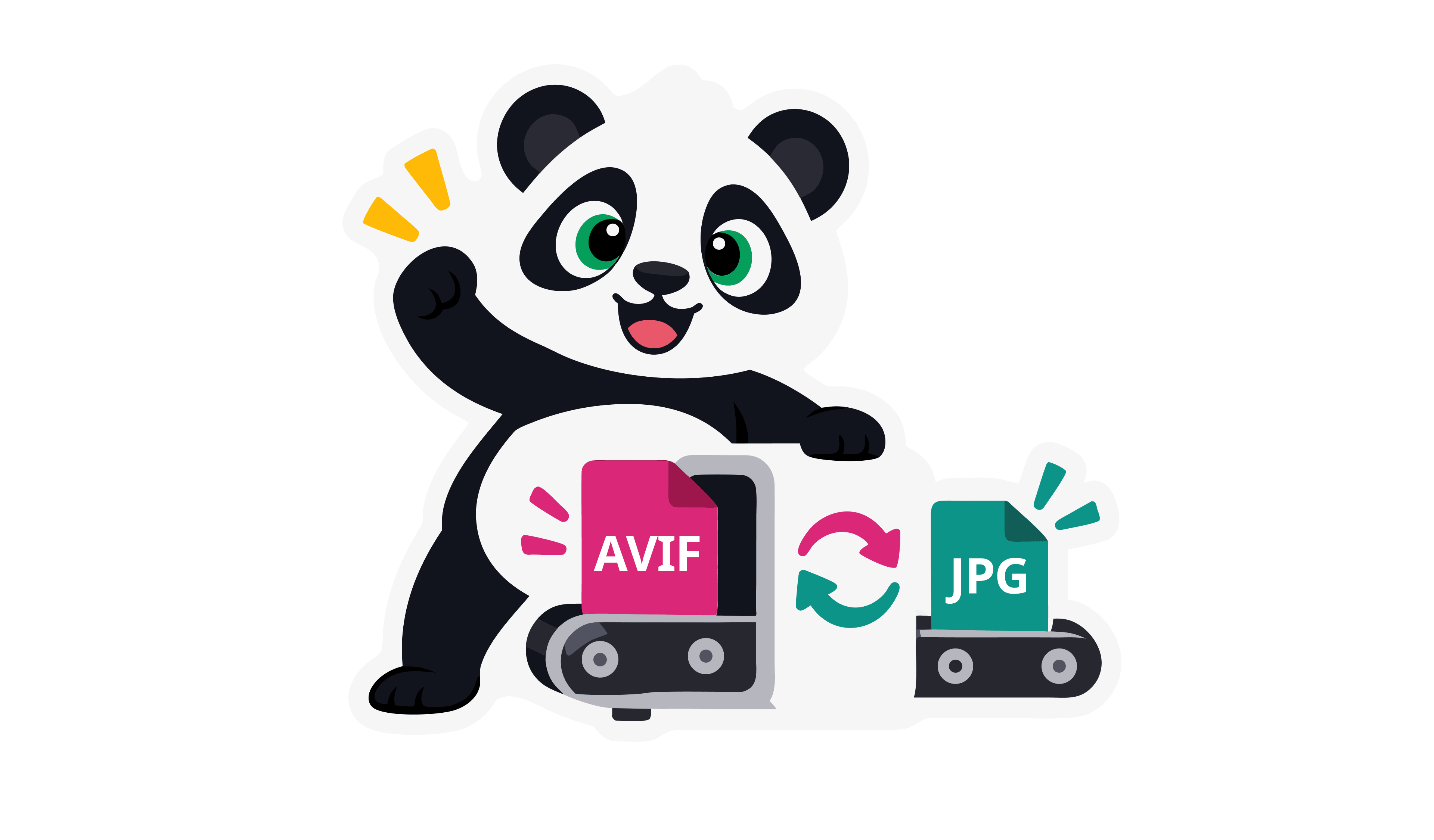
Convert images to WebP and AVIF for even smaller files

Smart compression algorithm

Achieve smaller image file sizes while preserving visual quality.

Broad format support

Supports AVIF, WebP, PNG, animated PNG (APNG) and JPG.

6,512,537,986

Total compressed images

Packed with features

Everything you need to optimize images in Figma.

Direct export from Figma

Export and compress images without leaving Figma. No extra tools or manual uploads needed.

Individual frame control

Optimize a single frame straight from your file.

Individual frame control

Optimize a single frame straight from your file.

Multiple scale options

Export assets at 1x, 2x, 3x, or 4x resolutions for responsive designs.

Multi-file support

Use one API key across all Figma files.

Clear optimization insights

Instantly see how much smaller your exported assets become.

Elevate Your Images with Next-Gen Formats: JPEG XL, AVIF and WebP

Future-proof your website with next-gen image formats. The TinyPNG Figma plugin makes it easy to convert your images to modern formats like JPEG XL, AVIF and WebP. These formats are specifically designed for the web, offering a significant reduction in file size compared to older formats like JPEG and PNG, all while maintaining excellent visual quality.

Here's why they matter:

  • WebP images are typically 25–34% smaller than JPEG (lossy), according to Google's data.

  • AVIF offers even greater efficiency, capable of reducing image size by up to 50% compared to JPEG and often outperforming WebP in compression.

Major tools, including Google’s PageSpeed Insights, strongly recommend using JPEG XL,AVIF or WebP. With full support in most modern browsers (Chrome, Firefox, Edge, and Safari), you can confidently serve these smaller, faster formats to the majority of your visitors.

Pricing explained

You get 500 free credits per month with the Tinify Figma plugin. No payment method is required. Each exported image uses 2 API credits, which means you can export and compress up to 250 images per month for free. Need more credits? You can upgrade to a pay-per-compression plan for ongoing usage or purchase a credit bundle if you only need extra credits occasionally. Both options are ideal for teams, frequent exporters, or larger design projects. You can manage upgrades and credit bundles directly from the Tinify API dashboard using your Tinify account.

Pay per compression

Flexible usage-based pricing. Pay only what you use

First 500 images per month

Perfect to get started

Free

Next 9 500 compressions

For growing projects

$0.009Per compression

Next 10 000 compression per month

Volume discount

$0.002Per compression

Only pay what you use above the 500 compressions

Worry-free compressions, we do the work for you!

Cancel anytime

Compress for performance

The Tinify optimization engine does more than reduce file size. It is built to deliver high image performance for the web while preserving visual quality. Here is how it helps:

Display JPEG images faster using progressive JPEG encoding.
Automatically convert color profiles to standard RGB.
Convert CMYK images to RGB for smaller file sizes and better compatibility across browsers and devices.

Why should you compress your images?

Why should you compress your photos for your website:

Faster exports and sharing

Smaller images export more quickly and are easier to share with teammates, developers, and stakeholders.

Better performance on real devices

Optimized assets load faster in websites and apps, especially on mobile devices and slower connections.

Better SEO & GEO

Websites that load quickly achieve better placement in search results on engines such as Google and Bing.

Higher conversion rates

Fast-loading visuals keep users engaged and make it easier for them to interact with your product.

Reduced data usage

Smaller images use less bandwidth, benefiting users on limited data plans and improving delivery efficiency.

Less storage overhead

Compressed images take up less space in exports, repositories, and storage systems, reducing long-term maintenance costs.

How does the plugin work?

Tinify reduces image file size without noticeable quality loss. When you export images from Figma using the Tinify plugin, each image is securely sent to the Tinify service, where it is analyzed and compressed using a smart optimization algorithm.

The compression process takes visual details such as colors, shapes, and patterns into account to achieve the best possible balance between quality and file size. After optimization, the smaller image is returned and made available for download directly in Figma.

On average, JPEG images are reduced by 40% to 60% and PNG images by 50% to 80%, without visible quality loss. This results in faster loading images, smoother handoff to development, and more efficient use of storage and bandwidth.

Figma Image Optimization plugin

Download the plugin

Frequently asked questions

The Tinify Figma plugin is free to use. You receive 500 free credits each calendar month, which allows you to export and compress up to 250 images.

If you need more exports, you can upgrade to pay-per-compression pricing or purchase a credit bundle. You can view the current pricing at https://tinify.com/developers/pricing. You can upgrade your account at any time from the Tinify API dashboard by logging in with your Tinify account email address.

When you use the bulk optimization tool, the plugin will first scan your media library and show you an estimated number of credits needed to optimize all uncompressed images. You can decide whether you want to upgrade your plan or stay within the free limit.