
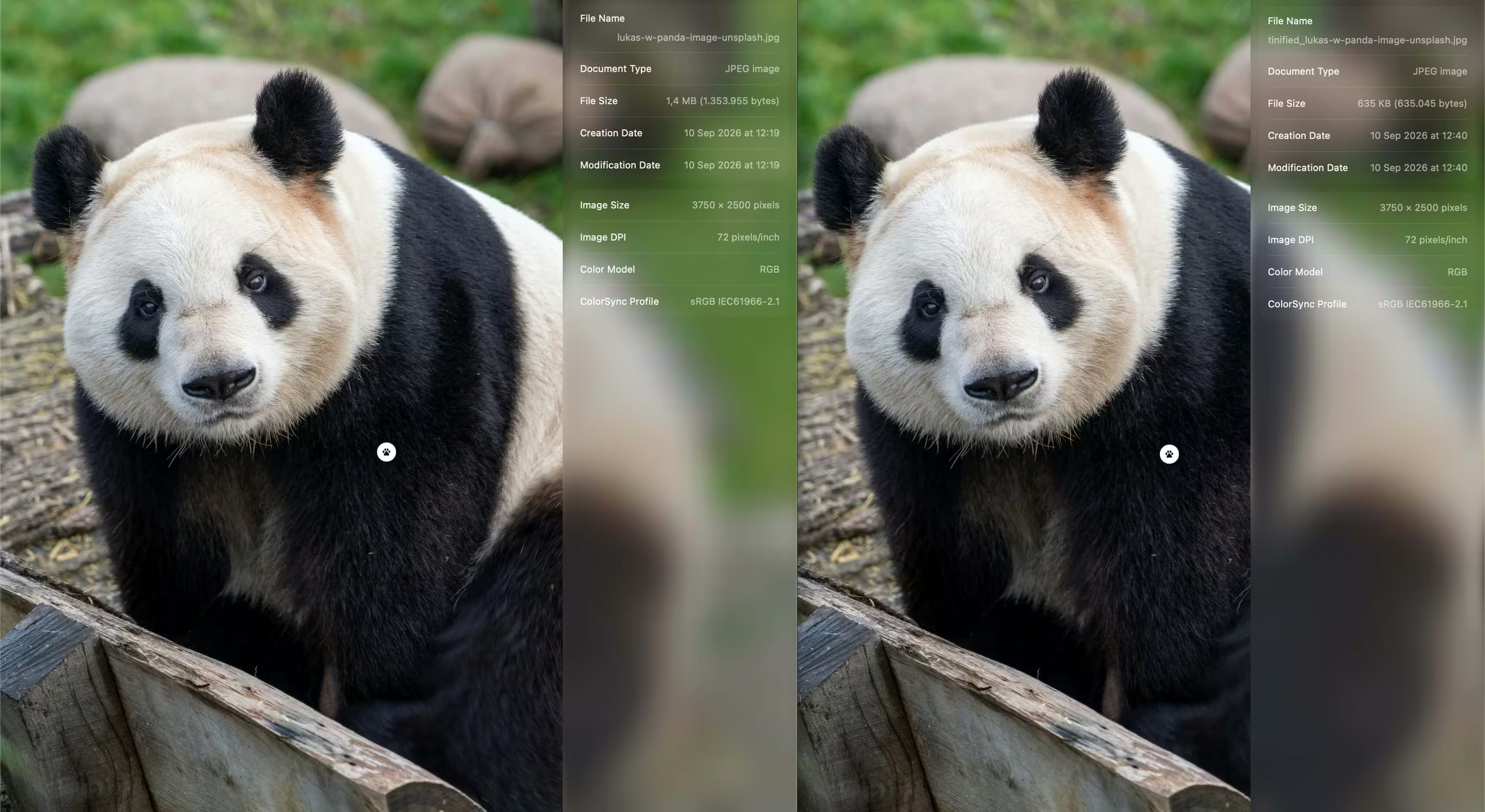

调整图片大小
Tinify CDN 可以即时调整图片大小。特别是,它可以将图片调整为较小的版本,例如缩略图。
示例
可通过在图片URL中添加查询字符串参数来调整图片大小。以下示例将把imagepanda.PNG的宽度缩小至100像素,并相应调整高度。
https://xxxxxxxx.tinifycdn.com/panda.png?resize.width=100多个查询字符串参数可以组合使用:
https://xxxxxxxx.tinifycdn.com/panda.png?resize.width=100&resize.height=50&resize.method=fit调整大小选项
参数
resize.method描述了图片的调整大小方式。可用的方法如下。
resize.method=scale- Scales the image down proportionally. You must provide either a target
resize.widthor a targetresize.heightparameter, but not both. The scaled image will have exactly the provided width or height. resize.method=fit- Scales the image down proportionally so that it fits within the given dimensions. You must provide both a
resize.widthandresize.heightparameter. The scaled image will not exceed either of these dimensions. resize.method=cover- Scales the image proportionally and crops it if necessary so that the result has exactly the given dimensions. You must provide both a
resize.widthandresize.heightparameter. The parts of the image that are cropped away are determined automatically. An intelligent algorithm determines the most important areas of your image. resize.method=thumb- A more advanced implementation of cover that also detects cut-out images with plain backgrounds. The image is scaled down to the
resize.widthandresize.heightyou provide. If an image is detected with a free-standing object it will add more background space where necessary or crop the unimportant parts.
We have guides and video instructions available for many popular platforms (content management systems and web frameworks). More are coming!